Monitoring compliance
The Compliance section lets you monitor the conformity status of your space with different views. To understand how obligations are calculated, see the Compliance page.
Available tabs
Section titled “Available tabs”The page is organized into five tabs:
Overview
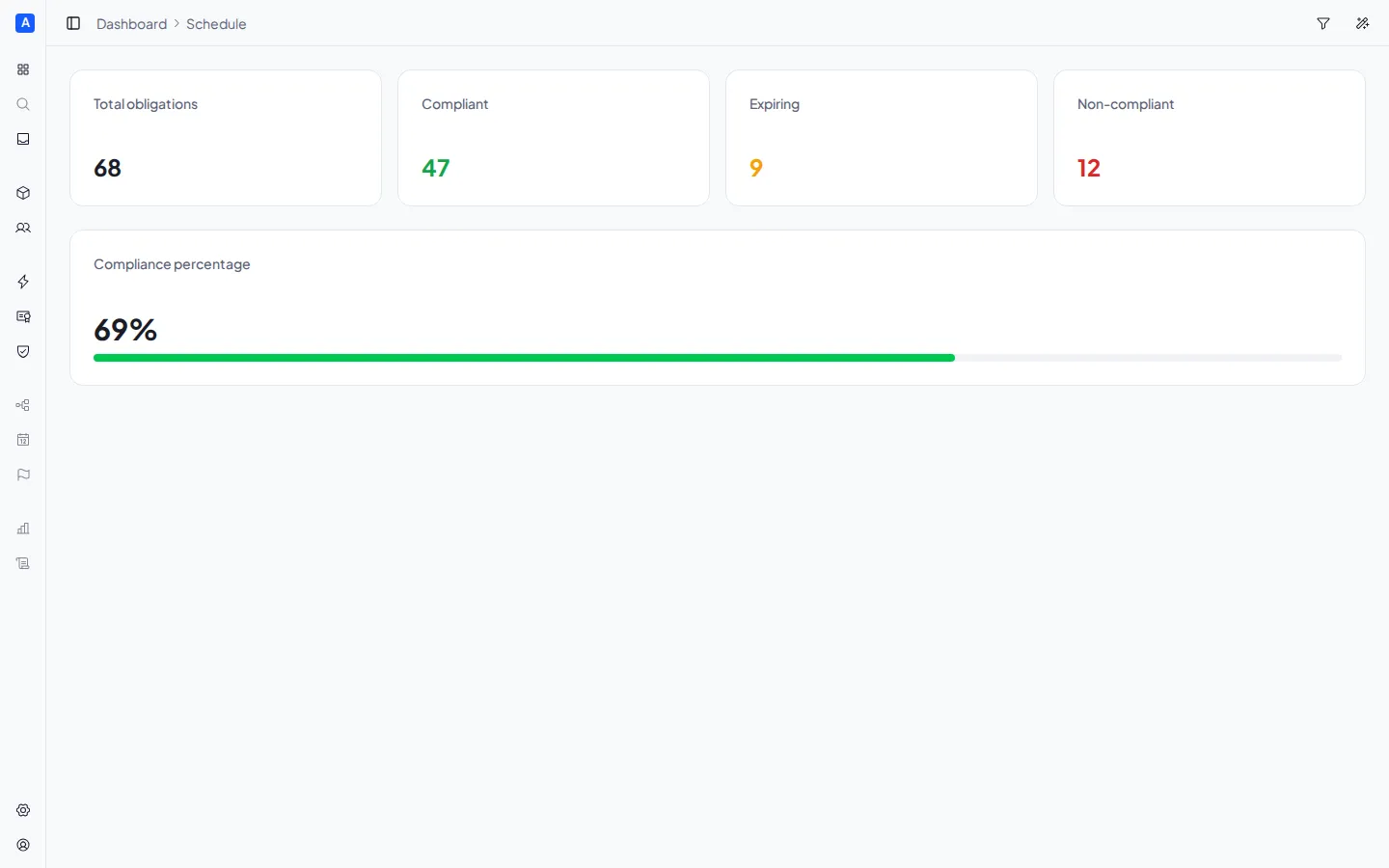
Section titled “Overview”Shows the summary cards with counts:
- Total obligations — the total number of obligations
- Compliant — obligations with a valid certificate
- Expiring — certificates expiring within 30 days
- Non-compliant — obligations without a valid certificate
Includes the compliance percentage with a progress bar.
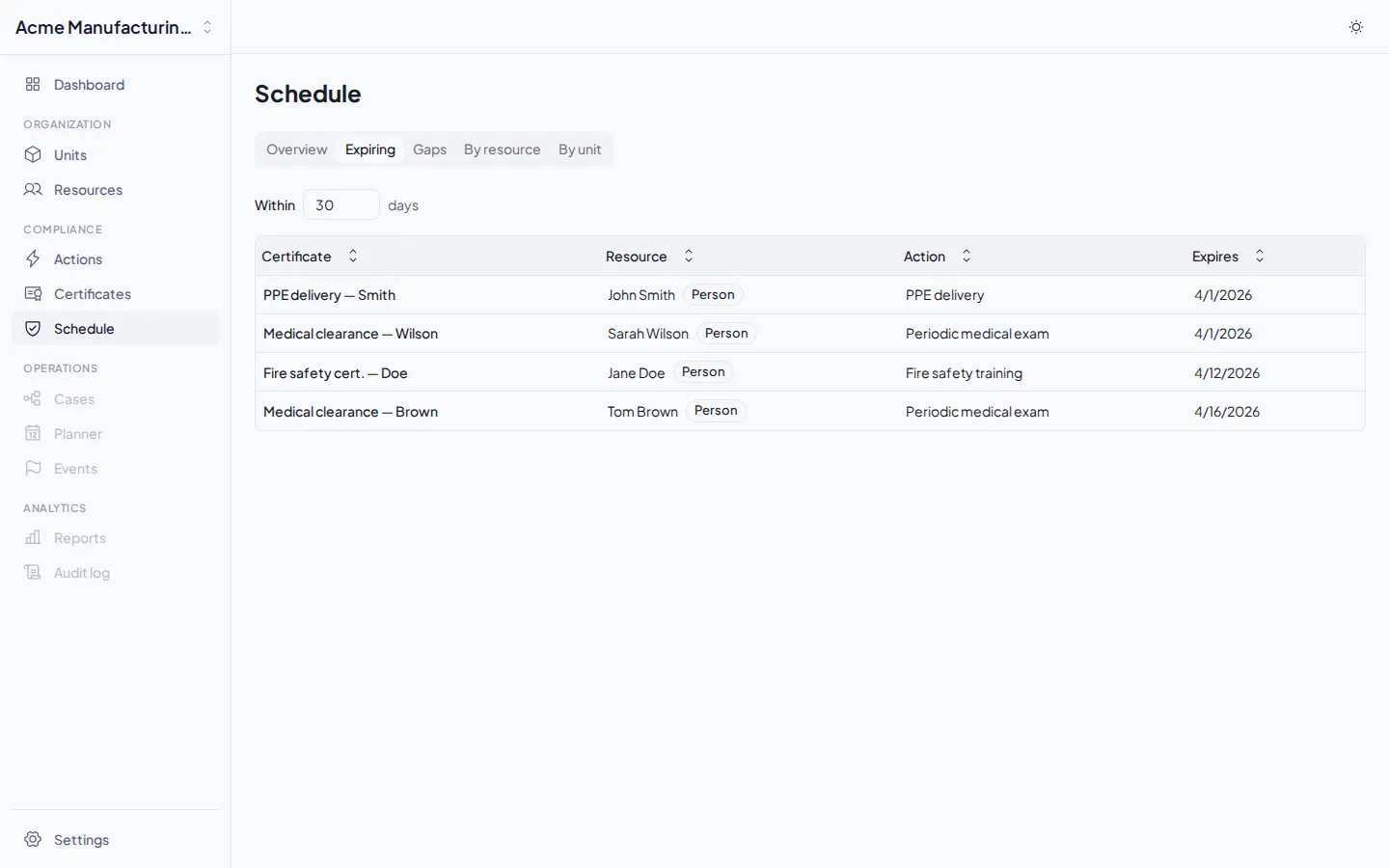
Expiring
Section titled “Expiring”Shows certificates approaching expiration. You can adjust the period (default: 30 days) to see short-term or long-term expirations. The table shows the certificate, resource, resource type, and expiry date.
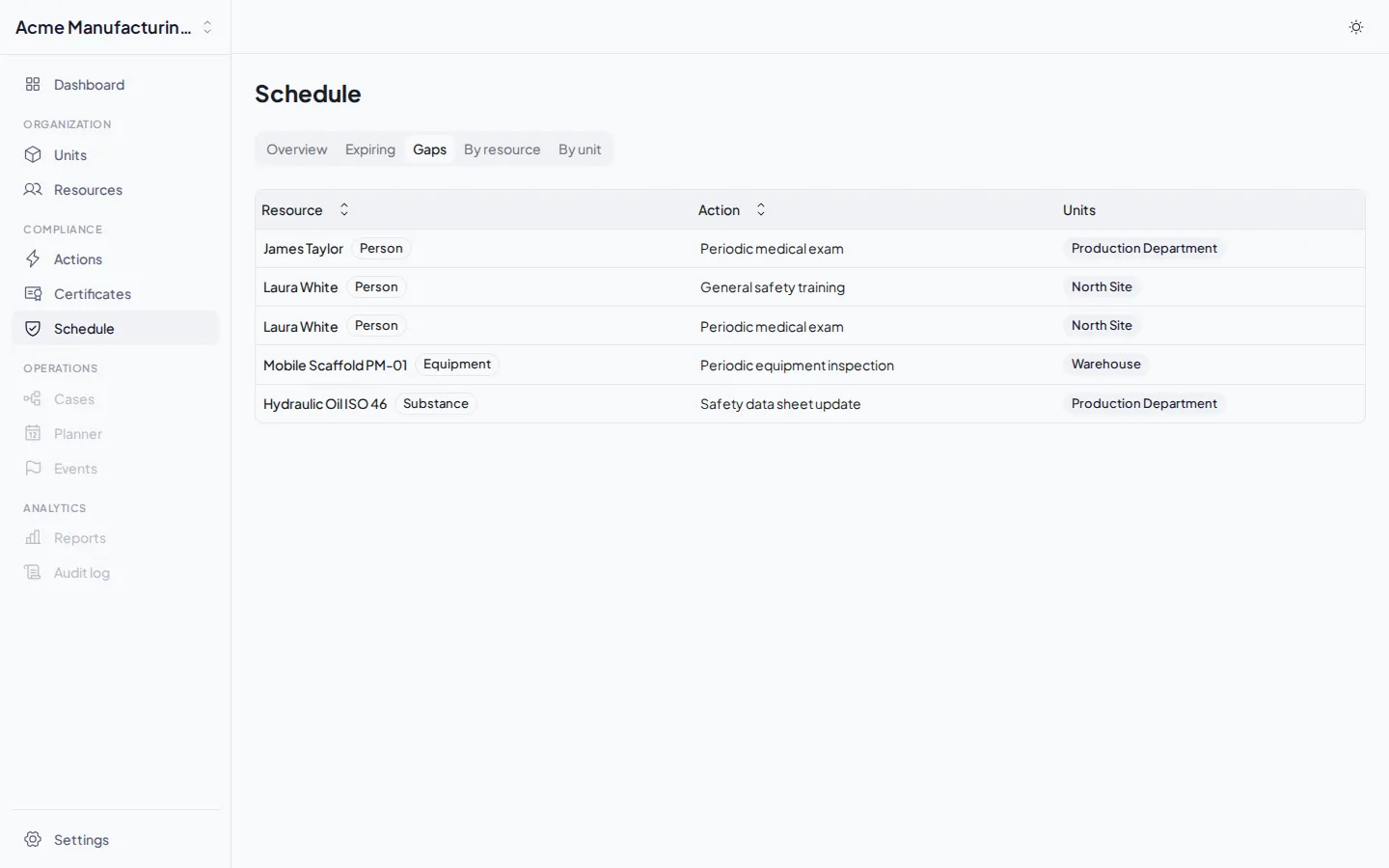
Shows all obligations without a valid certificate. For each gap, the resource, the missing action, and the involved units are listed.
By resource
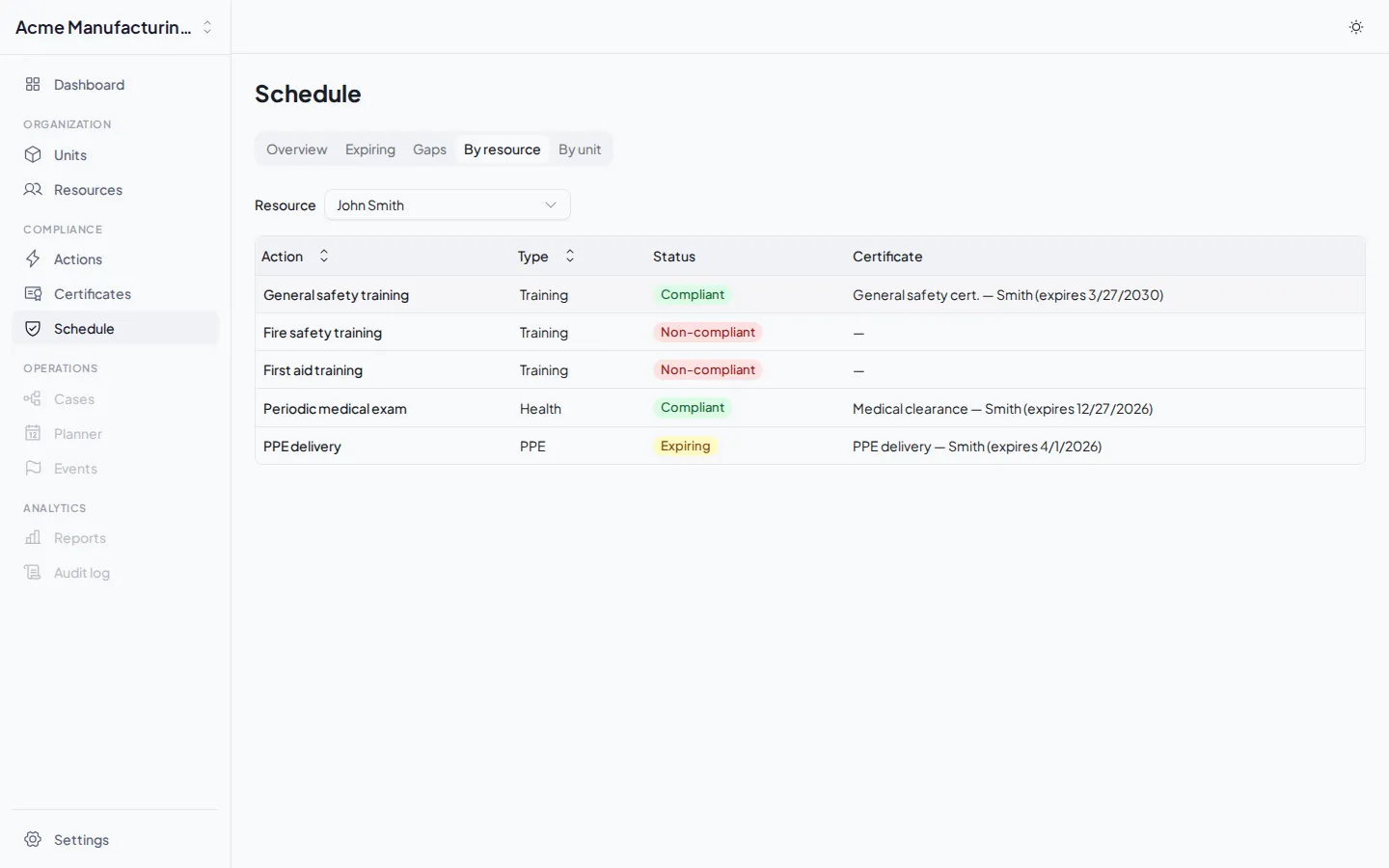
Section titled “By resource”Lets you select a specific resource and see the details of all its obligations: for each applicable action, the status (compliant, expiring, non-compliant) and the current certificate if one exists.
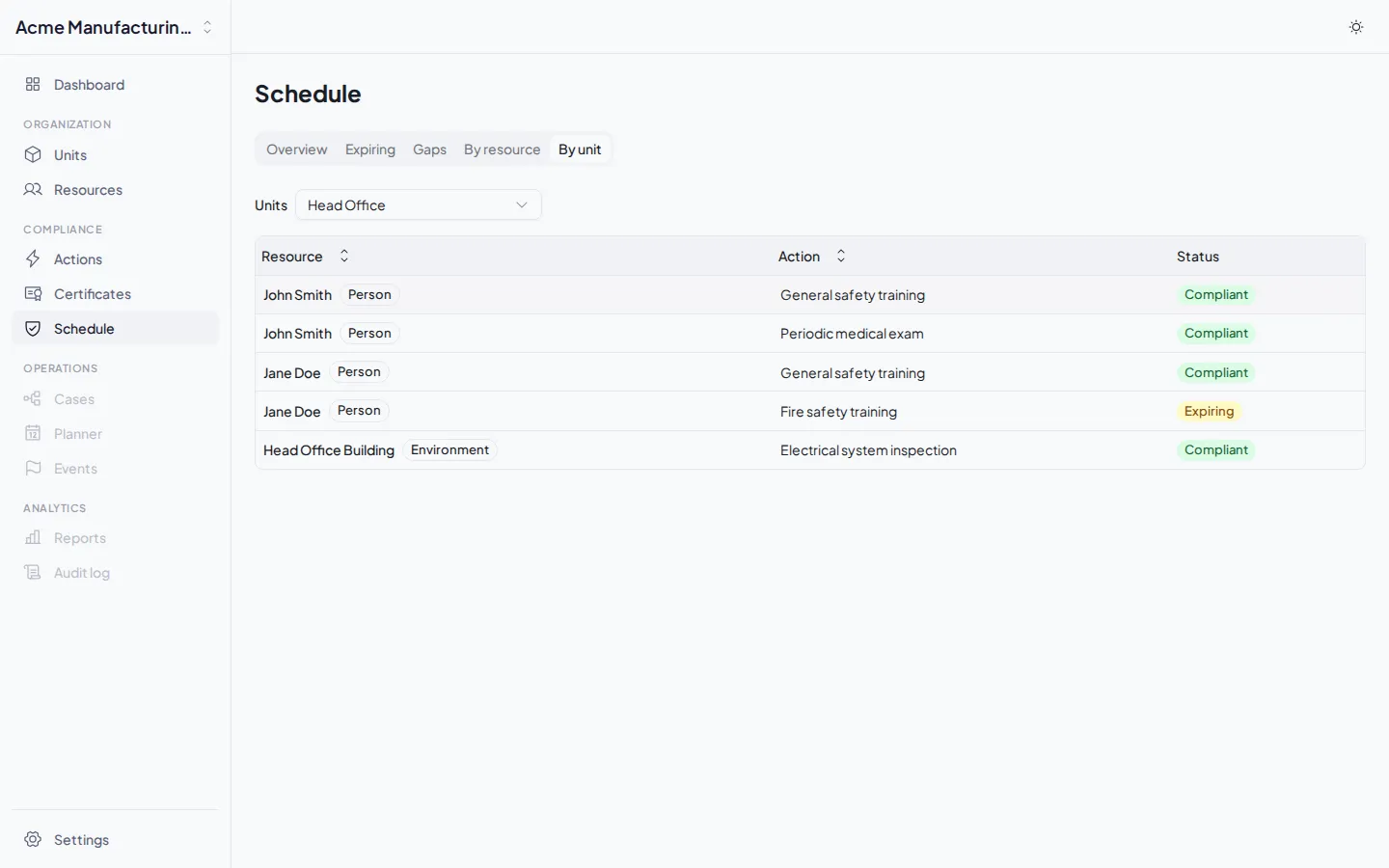
By unit
Section titled “By unit”Lets you select a specific unit and see the details of all obligations within the unit: for each resource-action combination, the compliance status.