

Managing resources
The Resources section lets you manage the people, equipment, environments, and substances in your space. To learn more about the resource concept, see the Resources page.
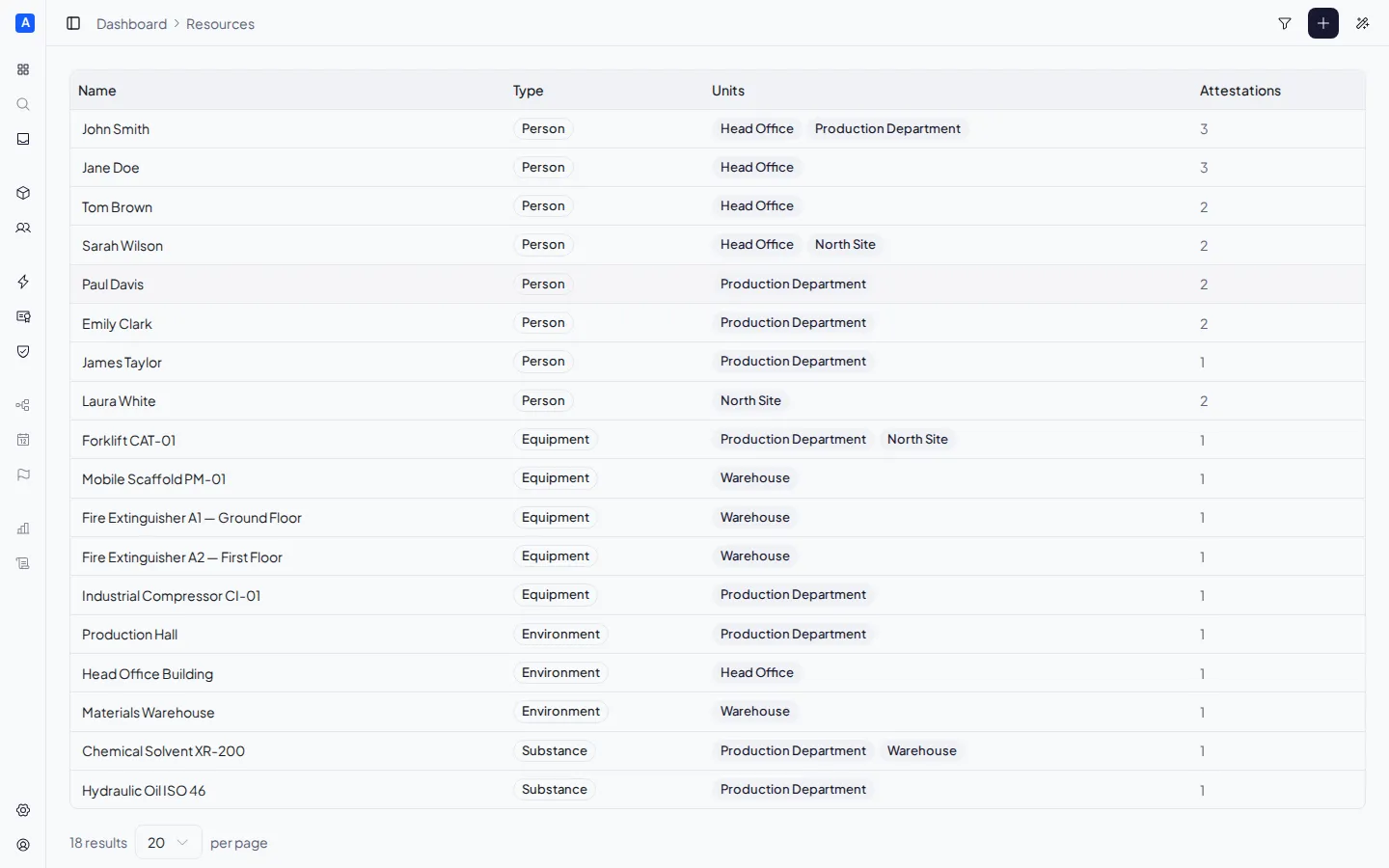
Resource list
Section titled “Resource list”The page displays a table with all resources, showing for each:
- Name — the resource name (editable inline)
- Type — Person, Equipment, Environment, or Substance
- Units — the number of units it is assigned to
- Certificates — the number of associated certificates
You can search resources by name and filter by type. Columns are sortable by clicking the header.
Creating a resource
Section titled “Creating a resource”Click the ”+ New resource” button in the top right. Enter the name and select the resource type.
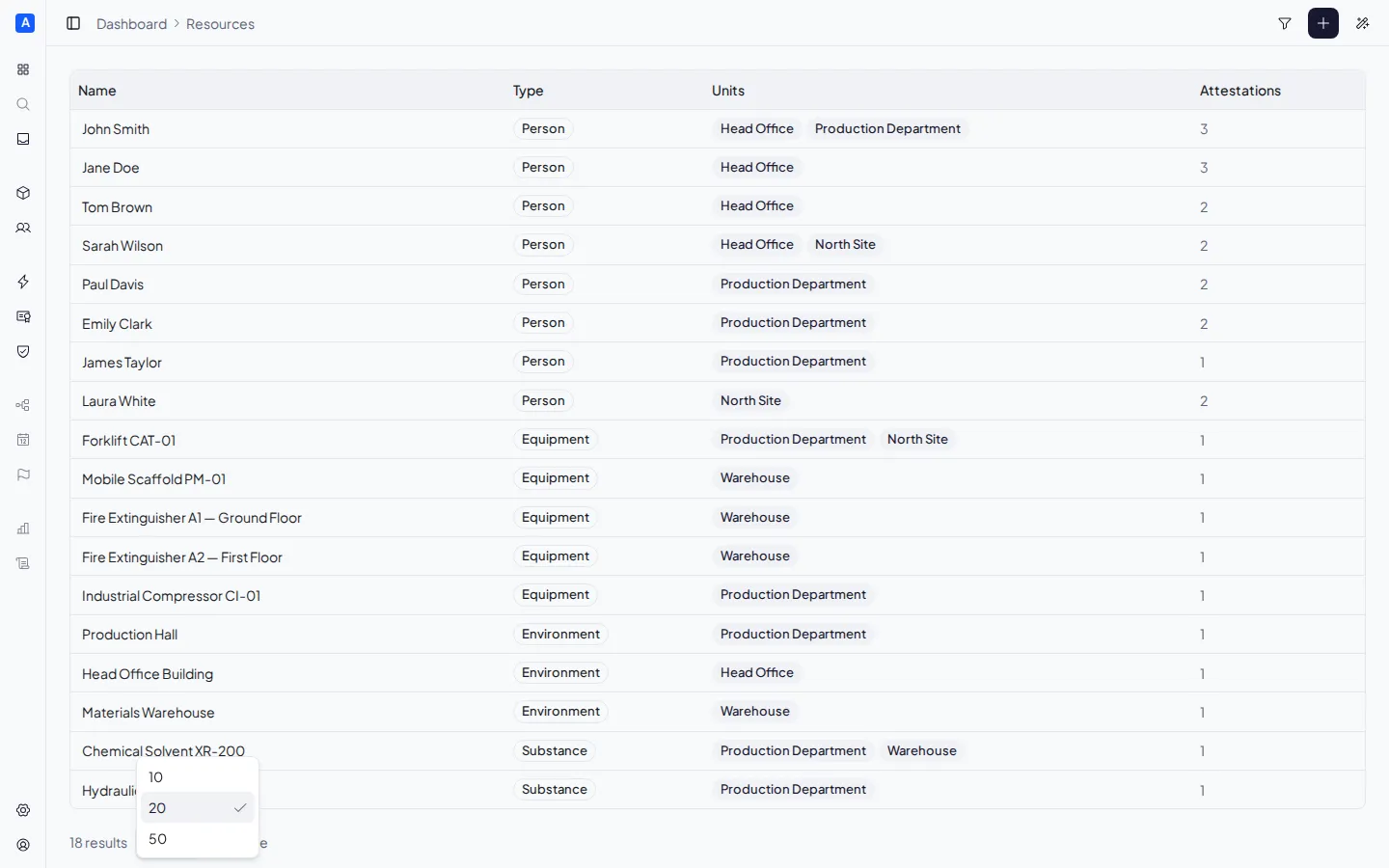
Important: the resource type (Person, Equipment, Environment, Substance) cannot be changed after creation. Choose it carefully because it determines which actions will be applicable. For example, a Training action targeting Person will generate obligations only for Person-type resources.
Editing a resource
Section titled “Editing a resource”Click a resource in the list to open the detail panel.
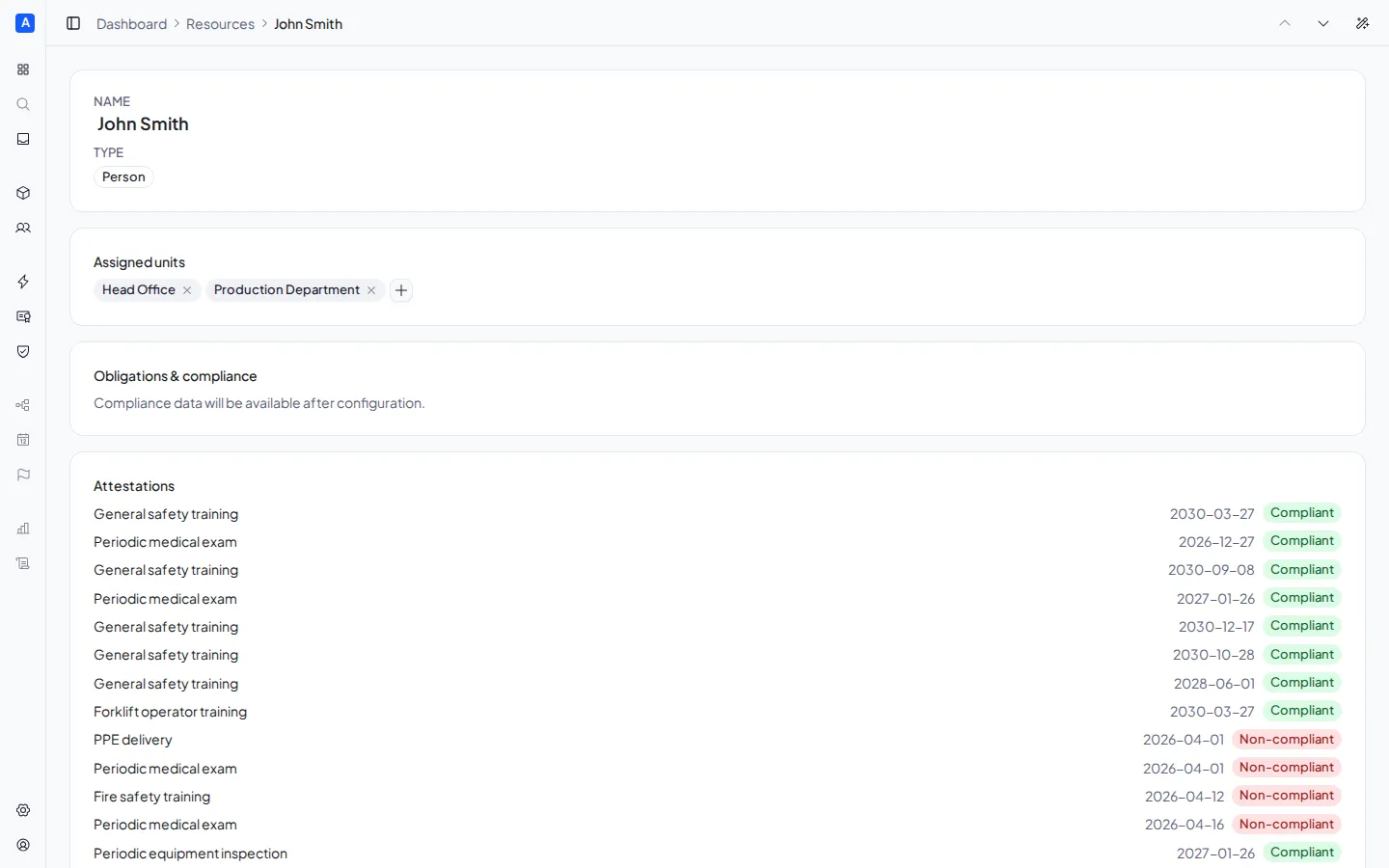
From here you can:
- Rename the resource by clicking on the name field
- View and manage assigned units
- View the certificates issued for this resource, with status and expiry date
Assigning to units
Section titled “Assigning to units”From the detail panel, in the Assigned units section, you can add or remove the association between the resource and units. Assigning a resource to a unit automatically generates compliance obligations based on the actions assigned to the same unit.
Deleting a resource
Section titled “Deleting a resource”From the detail panel, click Delete resource and confirm. Deleting removes the resource and all its associations with units.