

Settings
The Settings page lets you configure your space. It is accessible from the “Settings” link at the bottom of the sidebar. Only the Owner and Admins of the space have access to this page (see Roles and permissions).
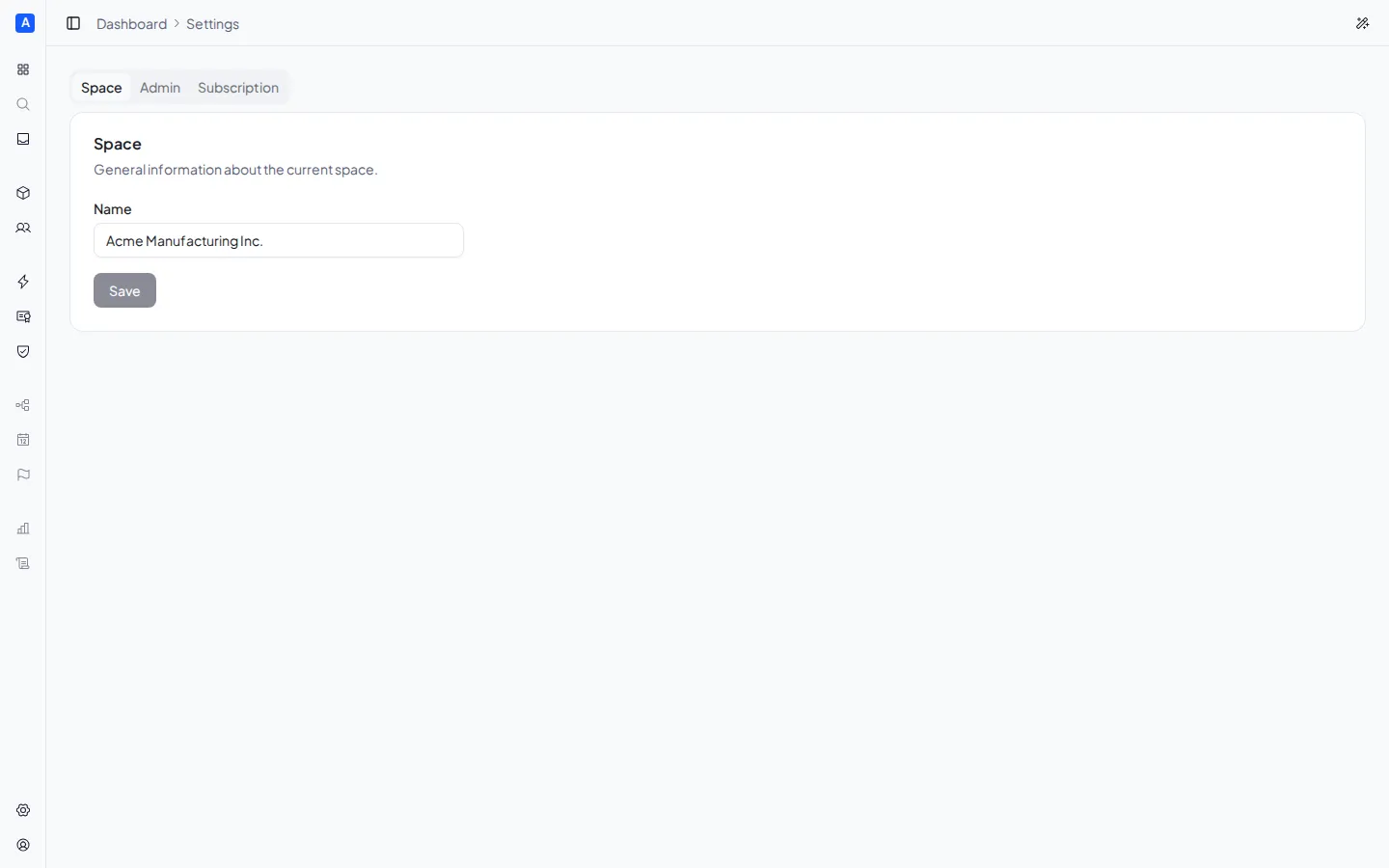
Renaming the space
Section titled “Renaming the space”In the General tab, click the pencil icon next to the space name to edit it. Confirm with the save button or cancel the change.
Managing administrators
Section titled “Managing administrators”In the Team tab you can add and remove space administrators.
Adding an administrator
Section titled “Adding an administrator”- Enter the user’s identifier (User ID) in the field
- Click Add
The user identifier is a code assigned by the authentication system. The user to be added can find it in their account settings.
The user will have full operational access to the space (structure, compliance, unit roles). For details on what an administrator can do compared to other roles, see Roles and permissions.
Removing an administrator
Section titled “Removing an administrator”Click the trash icon next to the administrator to remove and confirm the operation.
Deleting the space
Section titled “Deleting the space”In the Danger zone tab you can permanently delete the space and all its data. This operation is irreversible.
To proceed, click Delete space and type the space name to confirm.